
Turn One Visual Into
Multiple Campaign Formats.
Upload an existing ad, poster, or campaign visual. Generate new aspect-ratio versions, then mark an area to refine an individual result.

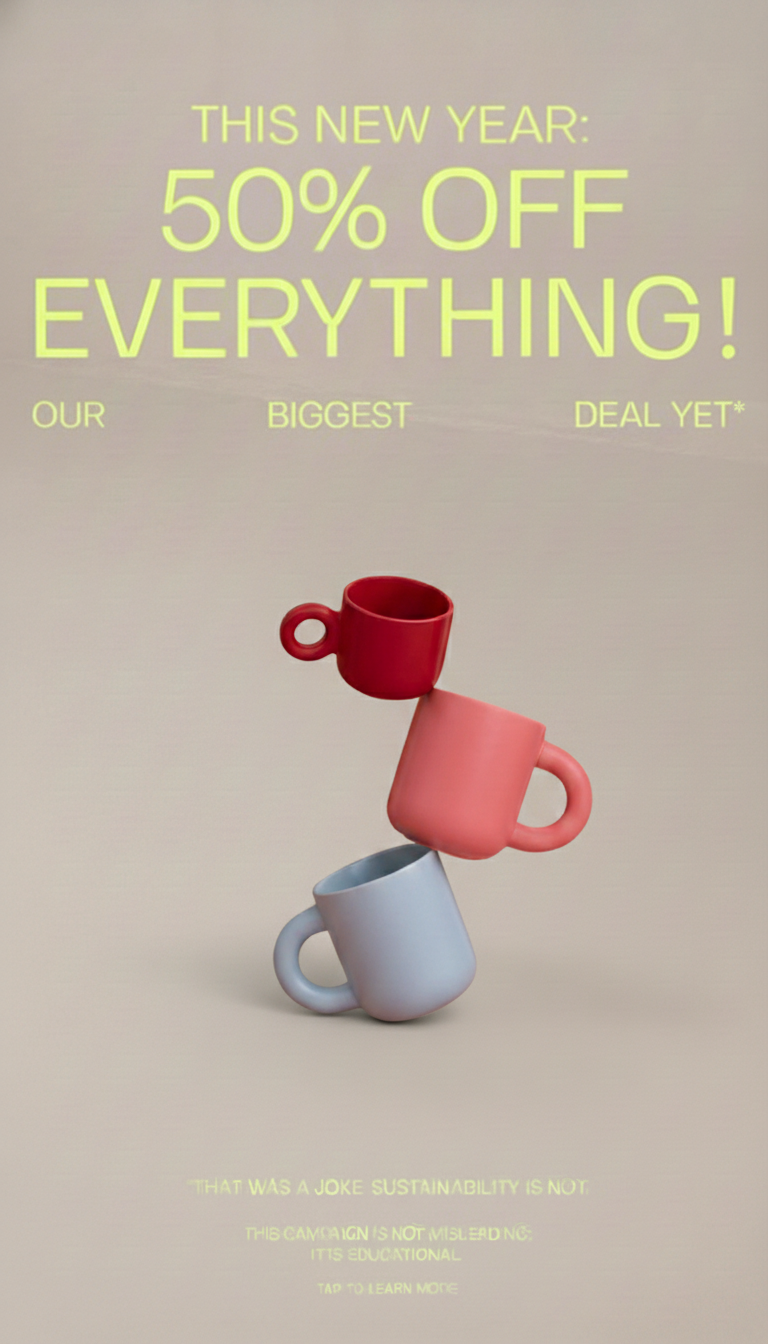
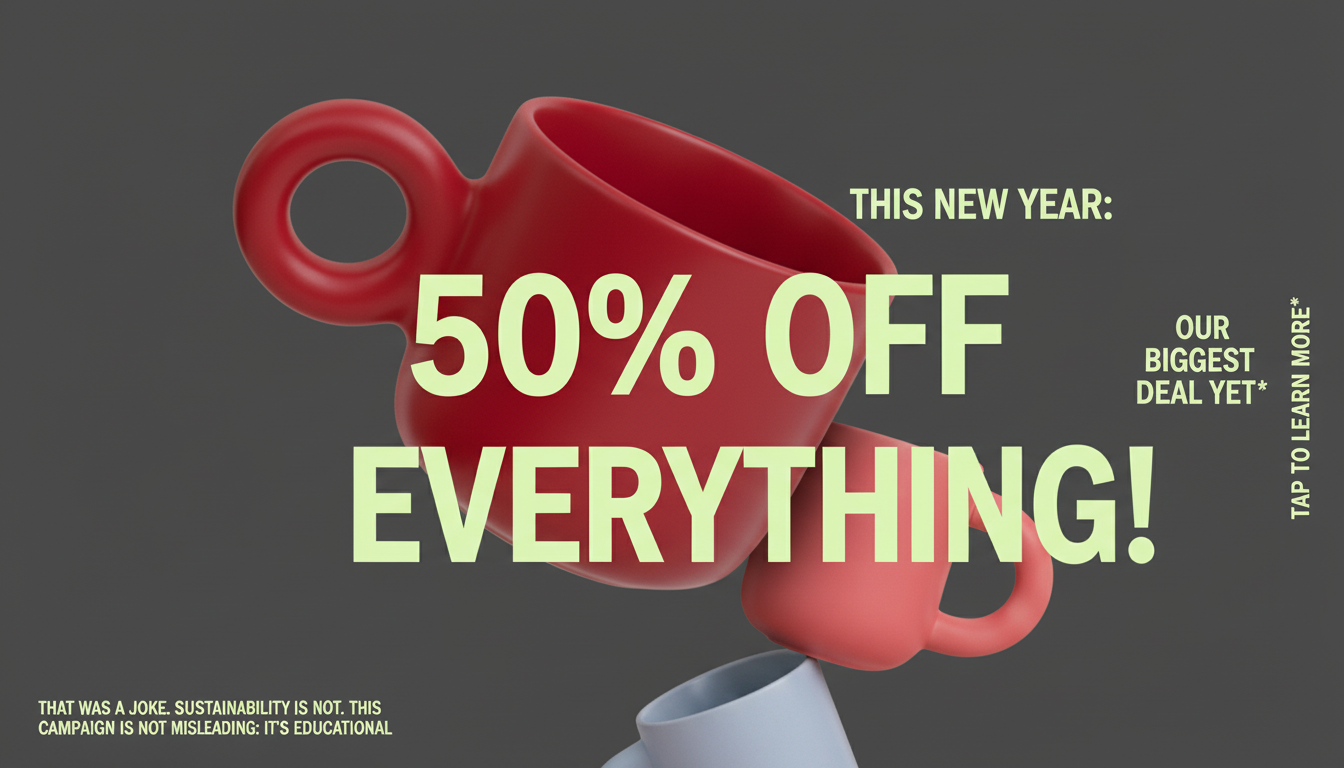


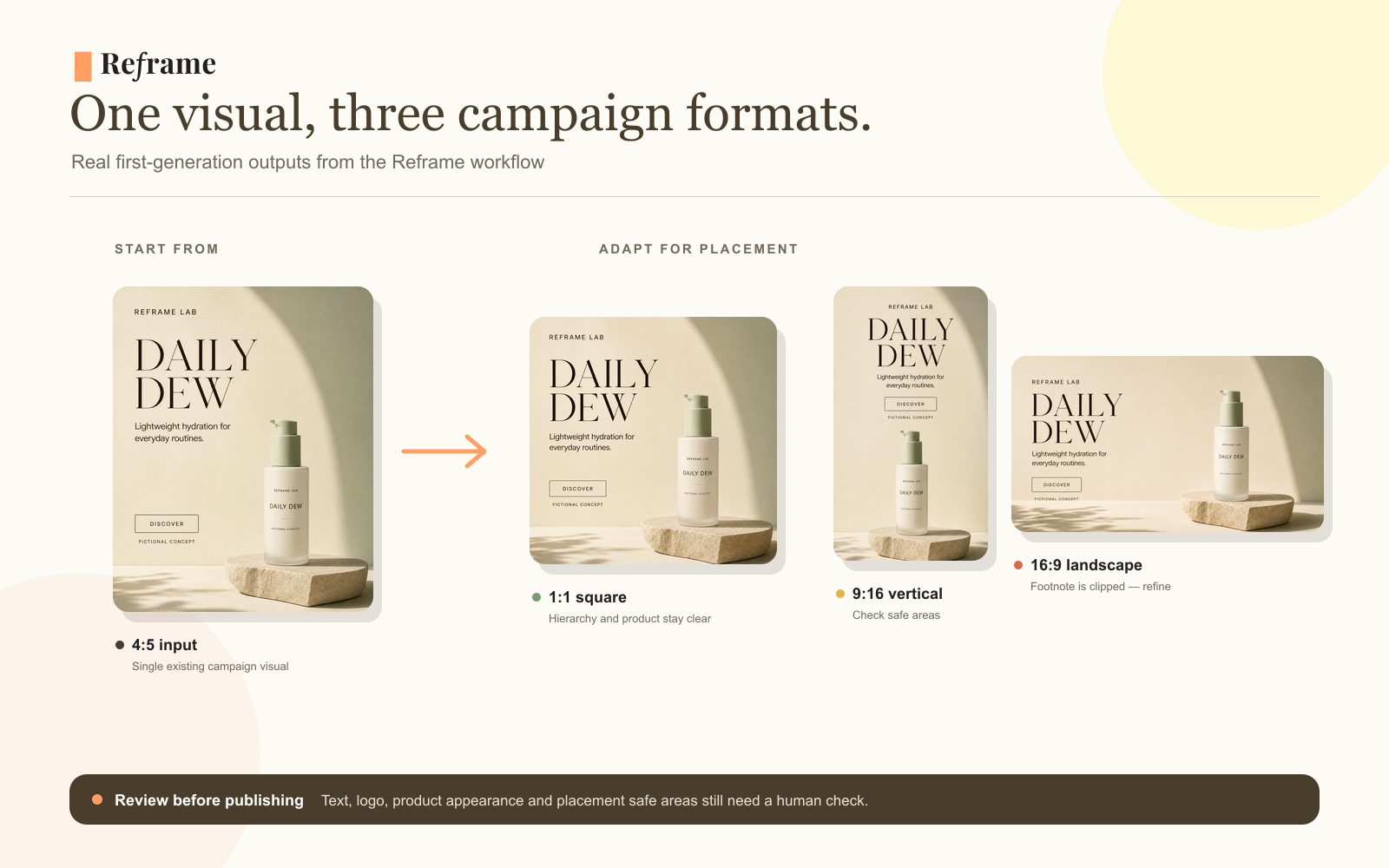
One finished ad. Three campaign placements.
We started with one 4:5 skincare visual, selected square, vertical, and landscape formats, then reviewed the three generated results in one project.
A focused workflow for each campaign format.
Reframe plans each selected aspect ratio, generates candidate formats, and lets you mark areas for a follow-up edit. Review every result before publishing.
Campaign Planner
Analyzes the source visual and creates a layout plan for each selected aspect ratio before image generation begins.
Image Generator
Generates one candidate image for each selected supported ratio using the source visual and its format-specific layout plan.
Marked-Area Editor
When a result needs attention, mark the relevant area, describe the change, and save the generated edit as a new version.
Campaign Planner
Per-Format Layout Planning
Analyzes the source visual and creates a layout plan for each selected aspect ratio before image generation begins.
Built for repeated campaign work.
Start from an existing visual, generate supported aspect-ratio versions, and refine the individual result that needs attention.
For Creators & Small Businesses
Start from what you already have.
Upload an ad, poster, or campaign visual you already have. Select the formats you need, review the generated results, and download or refine an individual image.
For Brands & Marketing Teams
Prepare multiple formats in one workspace.
Use the same source visual to generate supported vertical, feed, square, and landscape candidates. Keep each result in the project for download or marked-area editing.
Manual Format Work
Resize canvases, reposition content, review each format, and export the finished files.
Reframe Generation
Choose supported aspect ratios and generate candidate results from the selected source image.
Review and Refinement
Check generated text, logos, product appearance, and layout, then refine the result that needs attention.
See one visual across
multiple campaign formats.
Campaign Adaptation